Accessing the myTC Portal
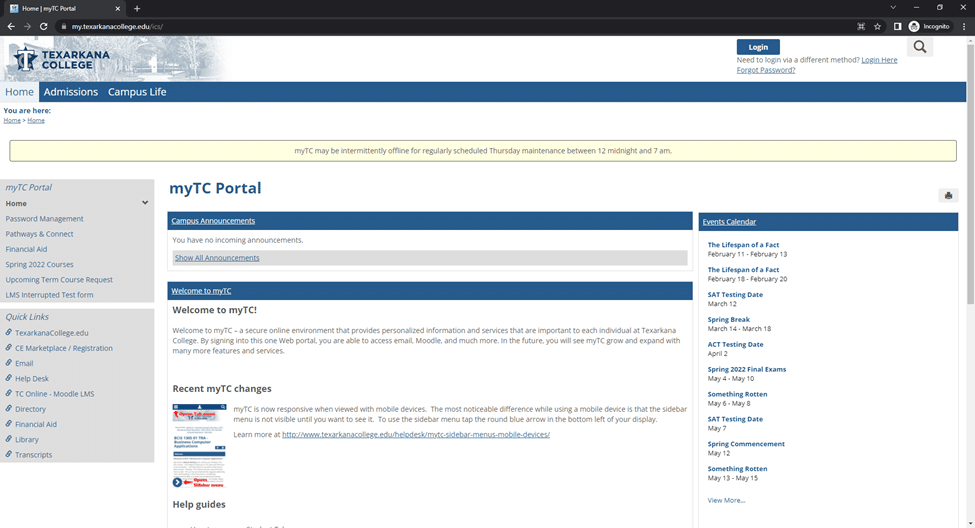
The following steps will get you logged into your Texarkana College account.
1. Browse to https://my.texarkanacollege.edu/
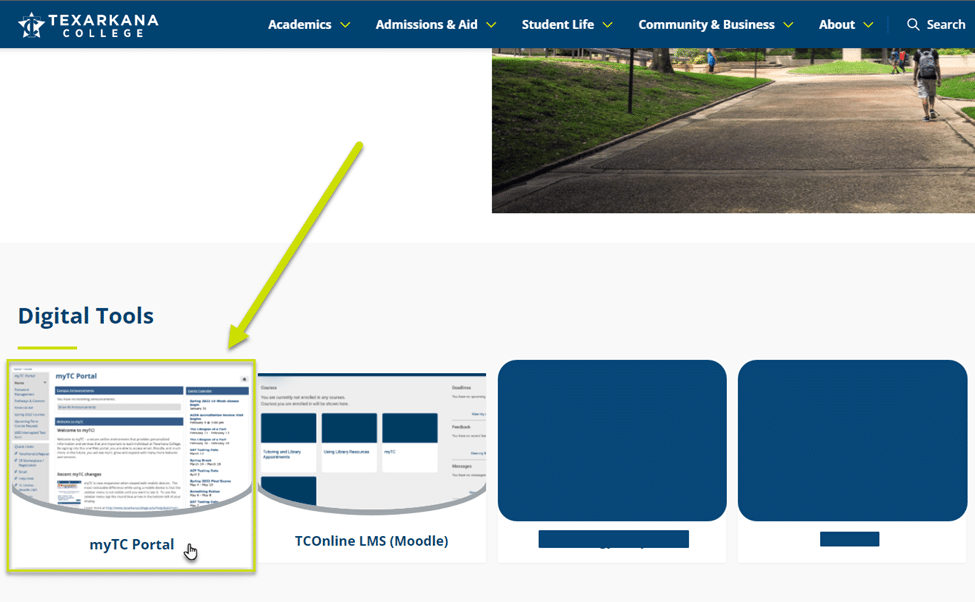
a. Alternatively, browse to https://www.texarkanacollege.edu/ and click For Current Students.

b. Click myTC Portal.
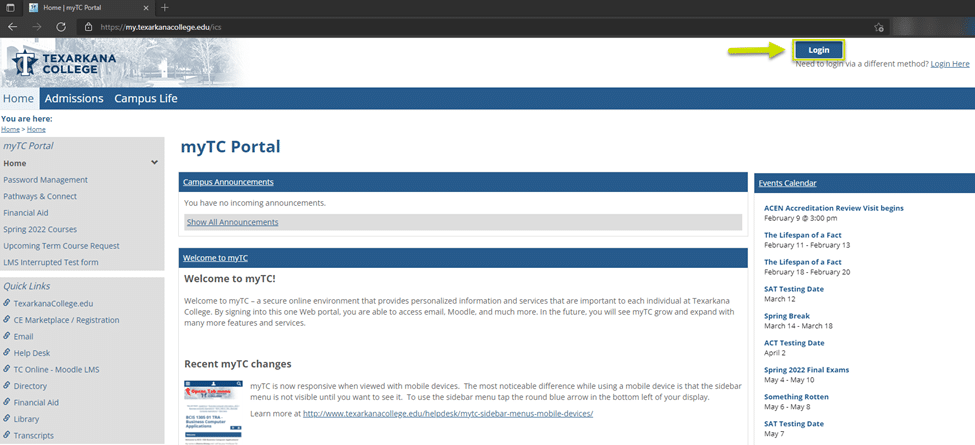
2. To log in, click the Login button in the upper right corner of the page.
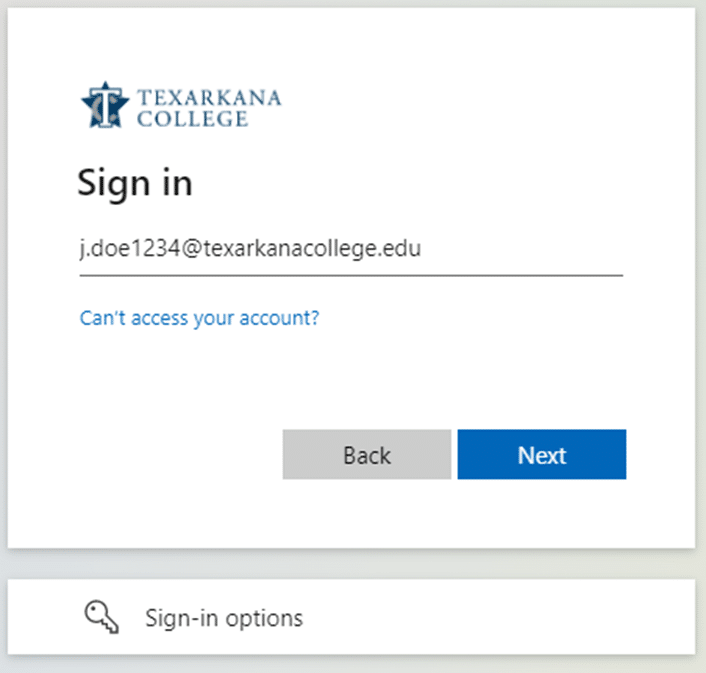
3. On the following page, enter your Texarkana College account information
a. This is your first INITIAL, followed by a period (.), your FULL last name, the last 4 digits of your student ID, followed by “@texarkanacollege.edu”.
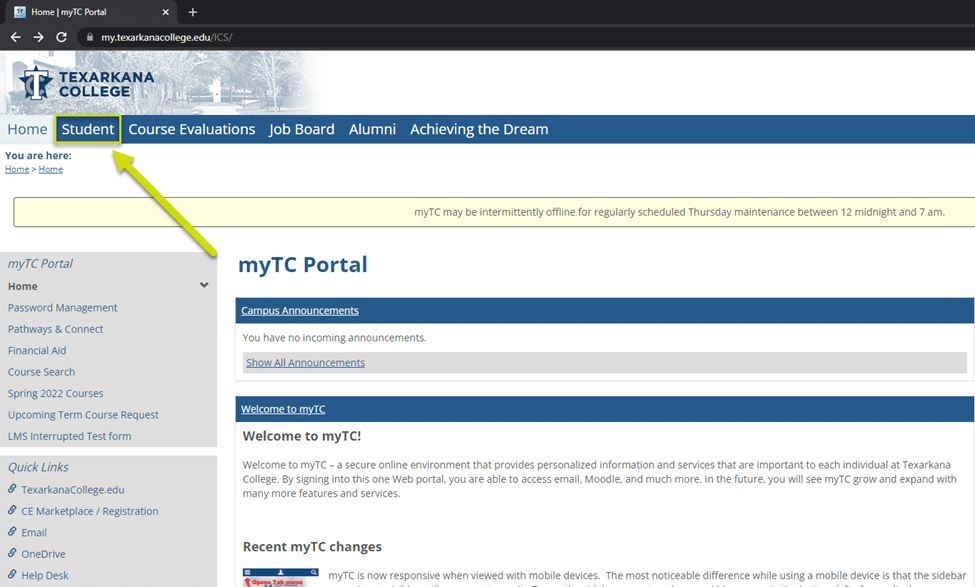
4. You will now be signed in, and have access to the Student tab, located in the header menu.